Choosing between a headless CMS vs traditional CMS is one of the most important technical decisions a business makes when building or rebuilding its website in 2026. The right choice affects your site speed, SEO, security, development cost and how easily your team can publish content across web, mobile apps and other channels.
In this guide, we explain what each approach is, compare them side by side, and give you a simple framework to decide which CMS fits your business goals and budget.
What Is a Traditional CMS?
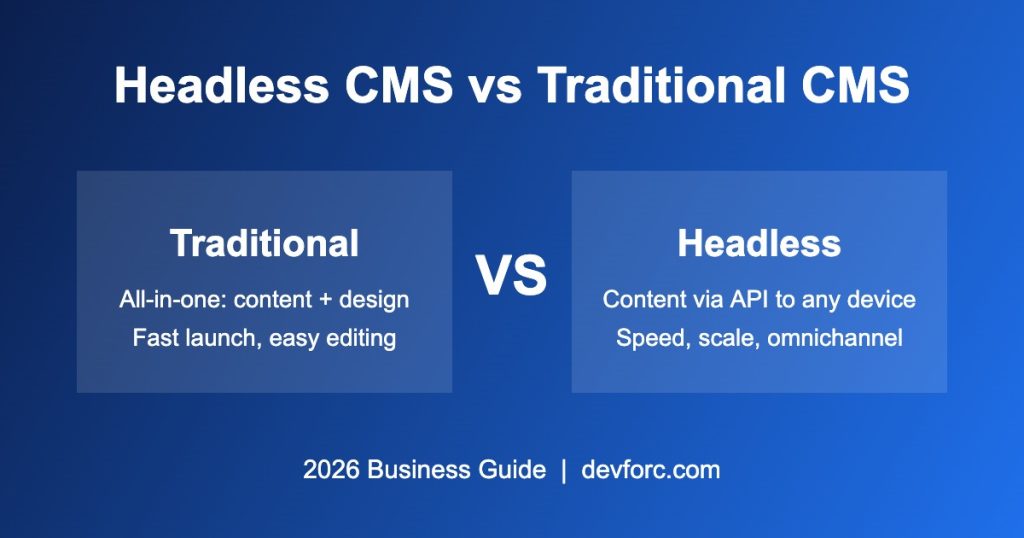
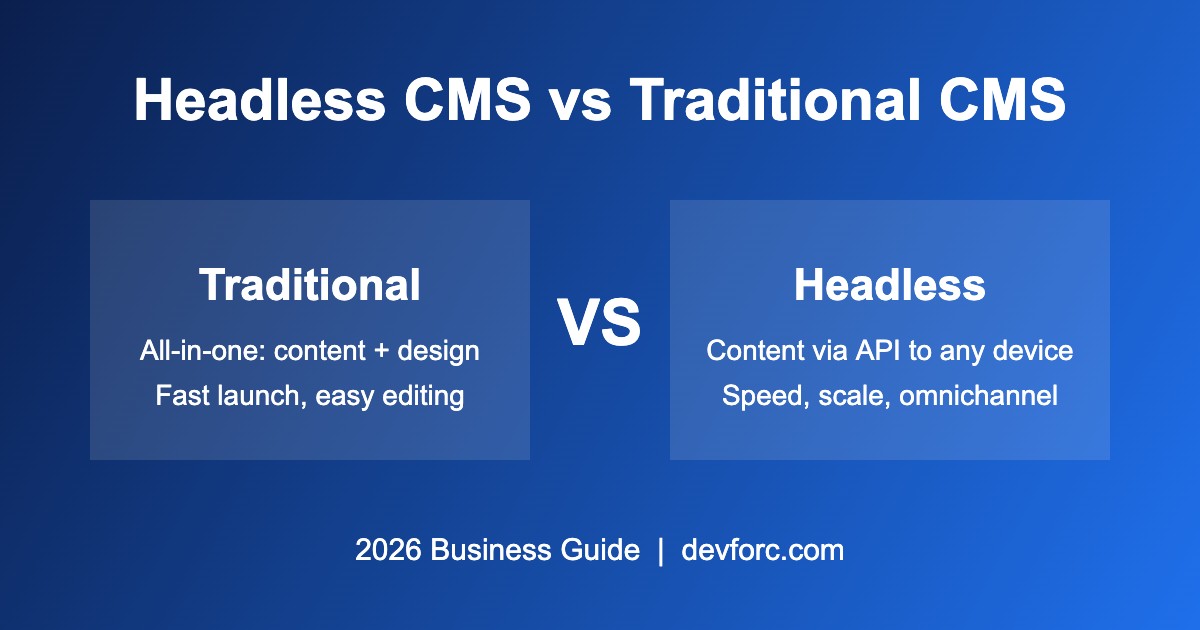
A coupled CMS (also called a traditional or monolithic CMS) manages both your content and the way it is displayed. The back end where you write content and the front end that visitors see are tightly connected in one system. WordPress, Joomla and Drupal (in its classic setup) are the best-known examples.
With a traditional CMS, you pick a theme, install plugins, write a page and click publish. The CMS generates the HTML and serves it to the browser. This all-in-one model is why traditional platforms still power a large share of websites worldwide.
Advantages of a Traditional CMS
- Fast to launch: themes and page builders let you go live in days, not months.
- Lower upfront cost: fewer developers are needed to build and maintain the site.
- Easy for non-technical teams: visual editors and live previews are built in.
- Huge plugin ecosystem: SEO, forms, e-commerce, caching and analytics are a few clicks away.
Limitations of a Traditional CMS
- Content is tied to one website, so reusing it in mobile apps or other channels is harder.
- Heavy themes and too many plugins can slow the site and hurt Core Web Vitals.
- A larger attack surface, because the admin panel and public site run on the same system.
- Front-end design freedom is limited by the theme and templating system.
What Is a Headless CMS?
A headless CMS separates the content repository (the “body”) from the presentation layer (the “head”). Content is stored in the CMS and delivered through an API (REST or GraphQL) to any front end: a website built with Next.js or Nuxt, a mobile app, a smartwatch, a kiosk or even a voice assistant.
Popular headless CMS platforms in 2026 include Strapi, Contentful, Sanity, Storyblok, Payload and Hygraph. WordPress itself can also run headless by using its REST API or WPGraphQL.
Advantages of a Headless CMS
- Omnichannel publishing: write content once and deliver it to your website, apps and other platforms.
- Better performance: modern frameworks with static generation and edge caching produce very fast pages.
- Stronger security: the content back end is hidden behind an API, reducing exposure to common attacks.
- Full design freedom: developers can use any front-end framework and build custom experiences.
- Scalability: front end and back end scale independently as traffic grows.
Limitations of a Headless CMS
- Higher initial development cost, because the front end must be built from scratch.
- You need experienced developers for setup, updates and new features.
- Marketers may lose simple live previews and drag-and-drop editing unless extra tools are added.
- SEO basics such as meta tags, sitemaps and schema must be implemented in code rather than by plugin.
Headless CMS vs Traditional CMS: Side-by-Side Comparison
| Factor | Traditional CMS | Headless CMS |
|---|---|---|
| Architecture | Back end and front end coupled | Back end separated, content via API |
| Time to launch | Fast (days to weeks) | Slower (weeks to months) |
| Upfront cost | Low to medium | Medium to high |
| Performance | Good with optimization | Excellent with static/edge rendering |
| Security | Needs regular hardening | Smaller attack surface |
| Omnichannel delivery | Limited | Built in |
| Ease for editors | Very easy | Moderate (depends on setup) |
| SEO setup | Plugins (e.g., Rank Math, Yoast) | Developer-implemented |
| Best for | Blogs, business sites, small stores | Apps, large platforms, multi-channel brands |
Which CMS Is Better for SEO in 2026?
Both can rank very well on Google. A coupled platform makes SEO easier out of the box, since plugins handle titles, meta descriptions, XML sitemaps, redirects and schema markup. An API-first platform can deliver a technical SEO advantage through faster load times and better Core Web Vitals, but only if developers correctly implement server-side rendering, metadata, canonical tags and structured data.
In short: if your team relies on marketers to manage SEO, a traditional CMS is safer. If you have a strong development team and speed is a competitive edge, headless can win.
Cost Comparison: Headless vs Traditional CMS
A coupled website is usually cheaper to build and maintain because themes, plugins and hosting are affordable and widely supported. An API-driven build costs more upfront because you pay for a custom front end, API integration and often a separate hosting setup (for example, the CMS on one service and the front end on Vercel or Netlify). Over time, however, headless can lower costs for businesses that publish to many channels, since content is created once and reused everywhere.
When Should Your Business Choose a Traditional CMS?
- You need a business website, blog or portfolio launched quickly.
- Your budget is limited and you want low maintenance costs.
- Your marketing team wants to edit pages without developer help.
- You only publish content to a website, not multiple apps or devices.
- You run a small to medium online store (for example, WordPress with WooCommerce).
When Should Your Business Choose a Headless CMS?
- You deliver content to a website and mobile apps, IoT devices or other platforms.
- Performance and page speed directly affect your revenue.
- You need a highly custom user experience that themes cannot deliver.
- You expect high traffic and need to scale front end and back end separately.
- You have (or can hire) an experienced development team.
The Hybrid Option: Best of Both Worlds
Many businesses in 2026 choose a hybrid CMS approach. For example, you can keep WordPress as the editing back end your team already knows, while using its API to power a fast Next.js front end or a mobile app. Some platforms, such as Storyblok and Sanity, also offer visual editing on top of headless architecture. A hybrid setup gives editors a friendly interface and developers the flexibility they need.
A Simple Decision Framework
Ask these five questions before choosing:
- How many channels will your content appear on? One website points to traditional; several points to headless.
- What is your budget for build and ongoing maintenance?
- Who will manage content day to day, marketers or developers?
- How important is speed and custom design to your conversions?
- How fast do you need to launch?
If most answers point to simplicity and speed to market, choose a traditional CMS. If they point to scale, performance and multiple channels, a headless or hybrid CMS is the better long-term investment.
Frequently Asked Questions
Is WordPress a headless CMS?
WordPress is a traditional CMS by default, but it can be used as a headless CMS through its REST API or WPGraphQL, with a separate front end such as Next.js.
Is a headless CMS good for small businesses?
Usually not at the start. Most small businesses get better value from a traditional CMS because it is cheaper and easier to manage. Headless makes sense once you need multiple channels or advanced performance.
Is a headless CMS faster than a traditional CMS?
Generally yes, because headless front ends can use static generation and edge caching. A well-optimized traditional CMS can still be fast with good hosting, caching and a lightweight theme.
Can I switch from a traditional CMS to headless later?
Yes. Many companies start with a traditional CMS and move to a headless or hybrid setup as they grow. Planning a clean content structure from day one makes this migration much easier.
Conclusion
There is no single winner in the headless CMS vs traditional CMS debate. A traditional CMS is the smart choice for fast, affordable and easy-to-manage websites. A headless CMS is the right investment for businesses that need speed, scalability and content delivery across many channels. For many growing brands, a hybrid approach offers the best balance.
Not sure which option fits your project? Talk to the DevForc team. We build fast, SEO-ready websites and apps on both traditional and headless CMS platforms, and we can help you pick the architecture that fits your goals and budget.