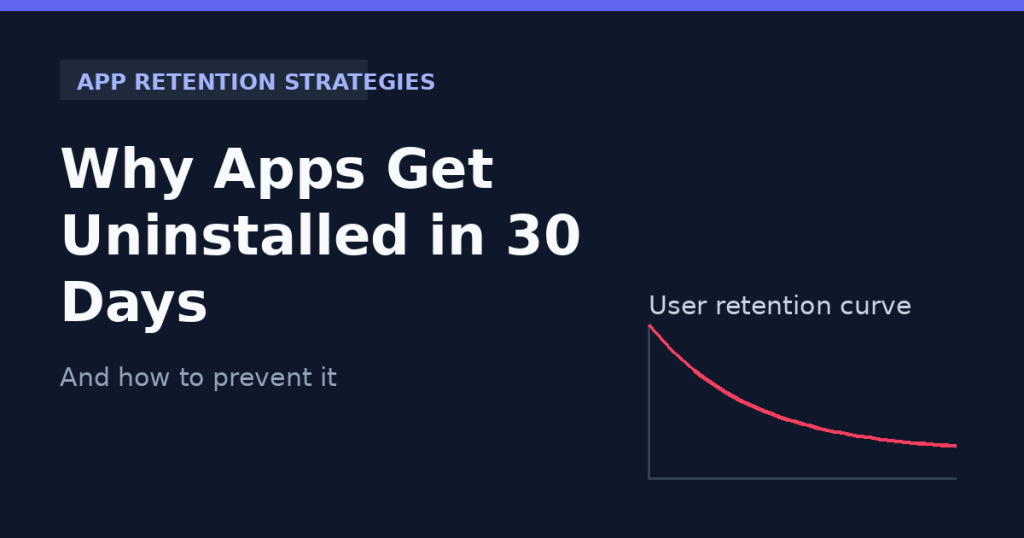
Effective app retention strategies start with understanding why users leave in the first place. Nearly a quarter of all mobile apps are used only once before being deleted, and by day 30 most apps have lost the vast majority of the users who first downloaded them. For founders and product teams who have spent months and real budget building an app, this 30-day cliff is one of the most frustrating problems in mobile development. The good news is that uninstalls are rarely random. They follow predictable patterns, and once you understand them, you can design around them.
The 30-Day Cliff: Why Uninstalls Happen So Fast
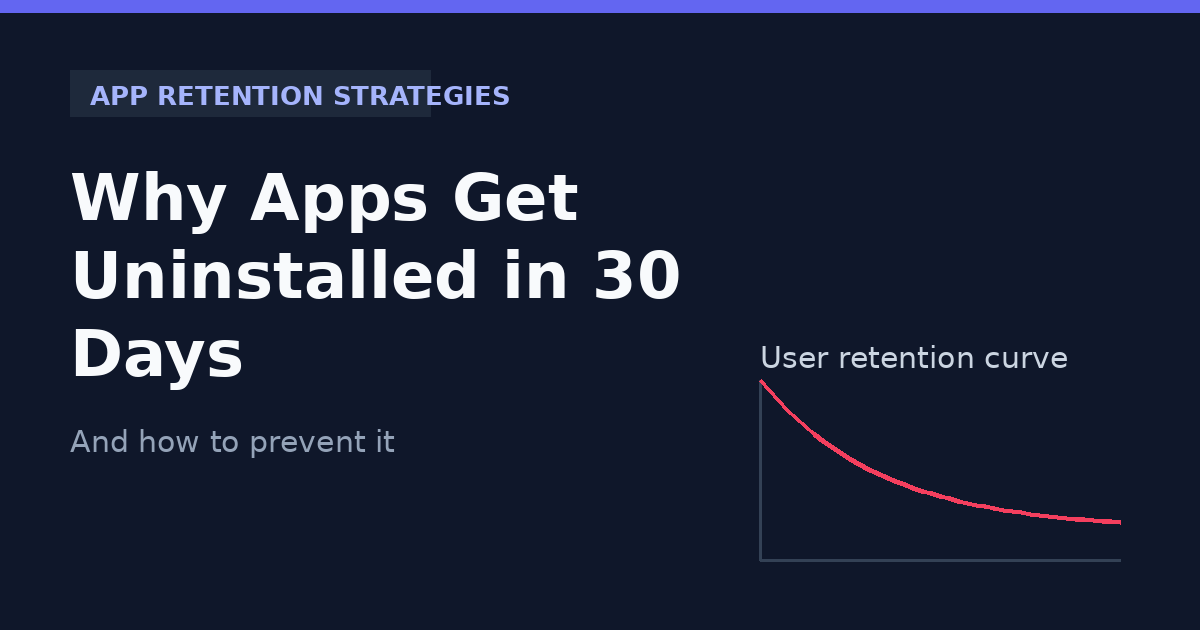
Industry benchmarks consistently show that most apps lose 60-77% of daily active users within the first three days, and that number climbs steadily until it settles around day 30. Users are not deleting apps out of malice. They are deleting apps that failed to prove their value quickly enough, that felt broken or slow, or that simply got in the way of their phone’s storage and battery life. Below are the seven most common reasons behind early uninstalls, followed by the app retention strategies that actually fix them.
1. A Confusing or Slow Onboarding Experience
The first 60 seconds inside an app decide whether a user sticks around. If someone is forced through a long sign-up form, an unclear permissions request, or a tutorial that explains features instead of letting them experience value, they will bounce before they ever see what the app can actually do. Onboarding should get a new user to their first meaningful action, often called the aha moment, in under a minute.
2. The App Doesn’t Deliver Value Fast Enough
Users decide within the first session whether an app is worth keeping. If a fitness app never shows a workout, or a marketplace app never surfaces a relevant product, the user has no reason to open it again. Every app needs a clear, fast path from install to first value, and that path should be tested and measured, not assumed.
3. Poor Performance: Crashes, Lag, and Battery Drain
Even a great idea will get uninstalled if it crashes, freezes, or drains the battery. Performance is not a nice-to-have, it is a retention feature. Slow load times, memory leaks, and unoptimized images or API calls are some of the most common technical reasons users give up on an app within the first month. Choosing the right framework also matters here: see our comparison of Flutter vs React Native for performance trade-offs that affect retention.
4. Notification Overload
Push notifications are meant to bring users back, but too many of them, especially generic promotional ones, have the opposite effect. Studies on user behavior repeatedly show that apps sending frequent, irrelevant notifications see uninstall rates rise sharply within days of the first few pushes. Notifications need to be timely, personalized, and easy to control.
5. Requesting Too Many Permissions Too Soon
Asking for camera, contacts, location, and microphone access before a user has even explored the app feels invasive and raises trust concerns. Permission requests should be contextual, asked at the exact moment they are needed, with a clear explanation of why the app needs that access.
6. No Personalization or Habit-Forming Design
Generic, one-size-fits-all experiences struggle to build a habit loop. Apps that retain users well typically use behavioral triggers, streaks, progress tracking, or personalized recommendations to give people a reason to return daily or weekly. Without that hook, an app becomes easy to forget and even easier to delete when storage runs low.
7. Ignoring Post-Launch Data and User Feedback
Many teams treat launch day as the finish line. In reality, it is the starting point for the data that actually explains retention. Without analytics tracking drop-off points, session length, and funnel completion, teams are left guessing at why users leave instead of fixing the real problem. Benchmarks from resources like Business of Apps can help teams set realistic Day 1, Day 7, and Day 30 retention targets.
How to Prevent Uninstalls: App Retention Strategies That Work
Preventing early uninstalls comes down to treating retention as a design and engineering priority from day one, not a marketing afterthought. The strategies below are the ones we apply when building and auditing apps at DevForc.
Nail the First Session
Map out the shortest possible path to your app’s core value and remove every unnecessary step, form field, or screen standing in the way. Test onboarding with real users and measure time-to-value, not just download numbers.
Invest in Performance from Day One
Optimize app size, load times, and API response speed before launch, and keep monitoring crash reports and performance metrics after release. A technically solid app is a retention strategy in itself.
Personalize Notifications and Ask Permission at the Right Moment
Segment users and send notifications based on their actual behavior, not a blanket schedule. Request permissions contextually, only when the feature that needs them is about to be used.
Build Habit Loops and Reward Return Visits
Use streaks, progress indicators, and personalized content to give users a reason to come back. Small, consistent wins build the habit that keeps an app on the home screen instead of in the trash.
Track Retention Metrics, Not Just Downloads
Set up analytics for Day 1, Day 7, and Day 30 retention, along with funnel and session data. Treat these numbers as seriously as install counts, because they tell you whether the app is actually working for the people who download it.
Final Thoughts
The 30-day cliff is not inevitable. It is the direct result of decisions made during design, development, and the weeks right after launch. Apps that survive and grow are the ones built with retention in mind from the first wireframe, not patched together after the uninstall numbers come in.
The right app retention strategies turn a leaky funnel into a loyal user base. At DevForc, we build and audit mobile apps with retention as a core requirement, covering onboarding flow, performance optimization, and post-launch analytics. If your app is losing users faster than it should, we can help diagnose exactly where and why.